





Automating WISMO questions with AI Agent
Order status questions, also known as WISMO requests, can quickly flood your support inbox. Customers want to know where their order is, when it will arrive, or whether it has already been shipped.
With AI Agent, you can automate order status updates in real time. This helps reduce repetitive tickets, speed up response times, and give customers instant answers across your connected channels.
Before you start
Before setting up this automation, make sure you have:
- A Shopify or WooCommerce store;
- Access to your Trengo account;
- Permission to create or edit AI Agents;
You’ll also need to complete the setup for your integration:
Step 1: Create an AI Agent
Next, create a new AI Agent in Trengo.
- Go to AI Agents in Trengo;
- Click Create AI Agent;
- Choose the quick setup option, if available;
- Follow the steps to create your AI Agent.
The quick setup helps you create a basic AI Agent faster. You can adjust the configuration later.
Step 2: Add an integration action
After creating your AI Agent, add the webshop integration as an action.
- Open your AI Agent;
- Go to Capabilities;
- Click Add integration action;
- Select your webshop integration:
- Shopify, or
- WooCommerce
This allows the AI Agent to use webshop data when helping customers with order status questions.
Step 3: Add the order status Skill
First add the corresponding Skill to your AI Agent.
You can find these Skills by clicking on add Skills and selecting the right template from the list available:
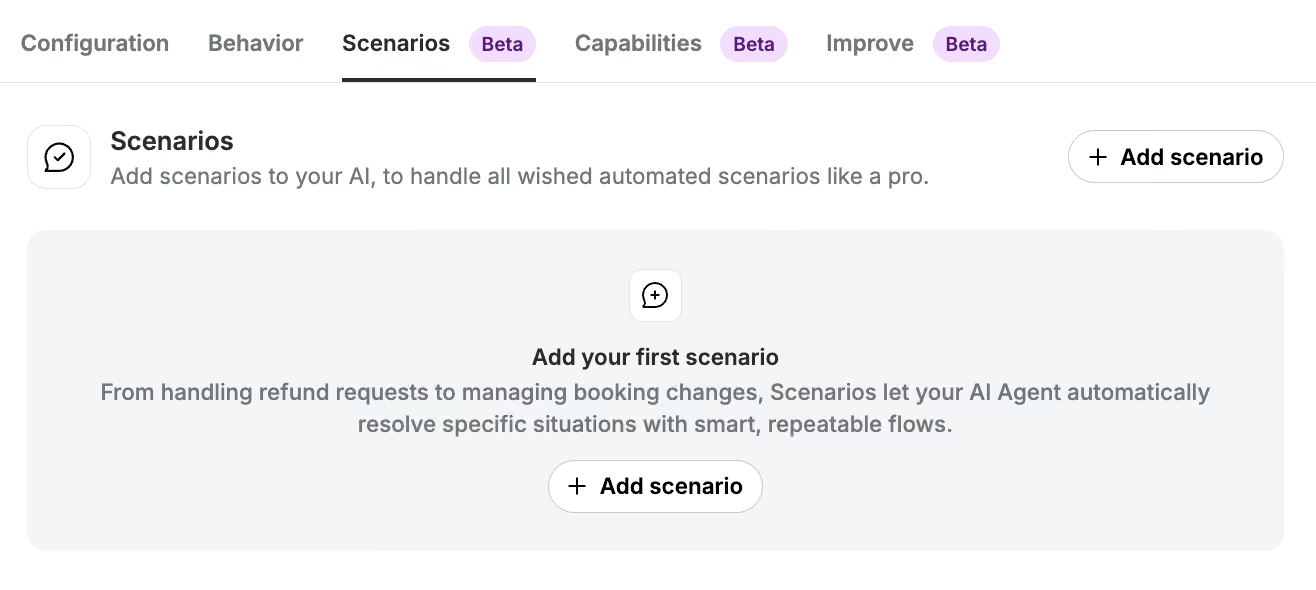
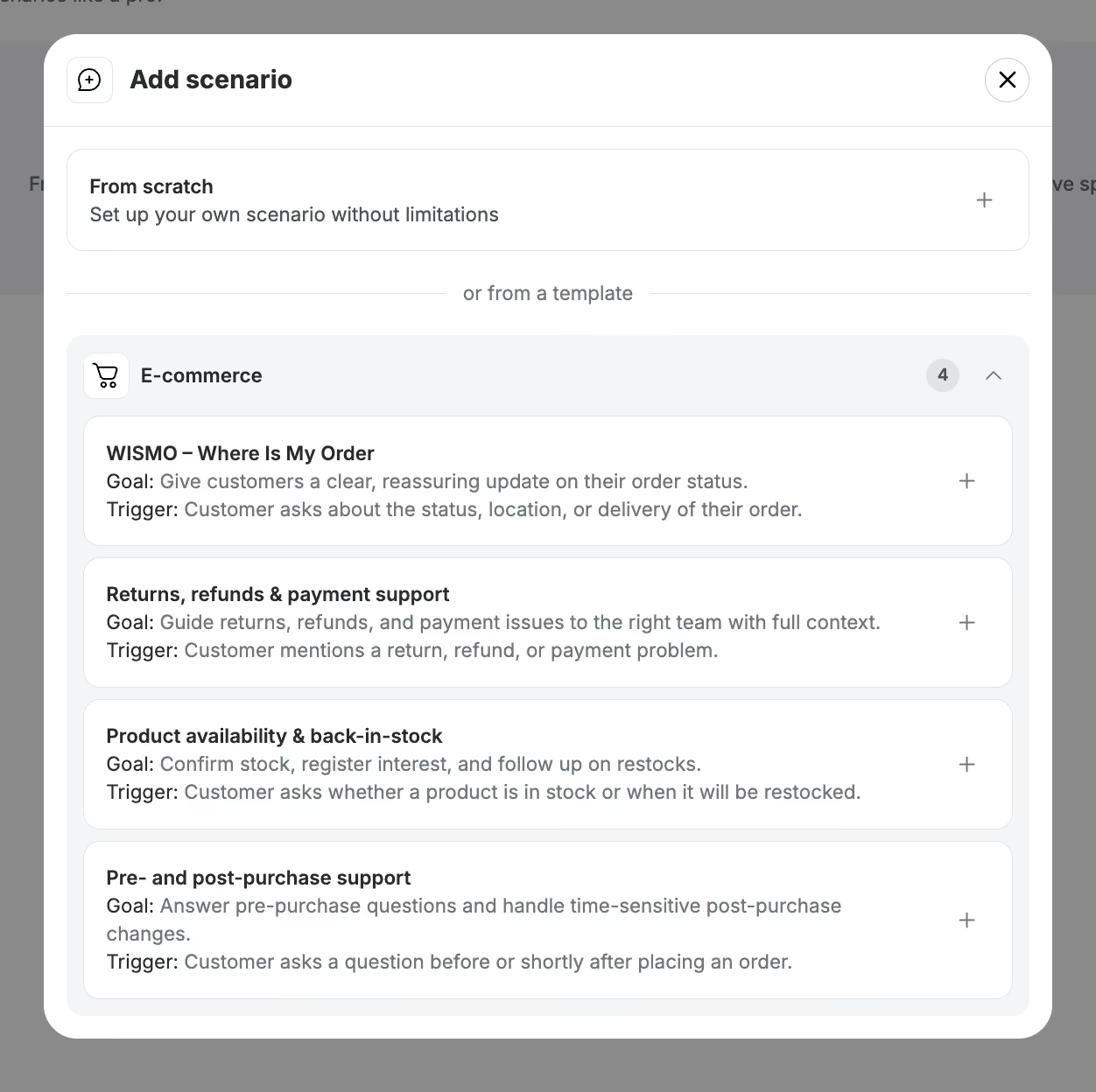
After adding the Skill, review it and make adjustments where needed. For example, you can update the tone of voice, add extra instructions, or include specific wording that matches your brand.
Step 4: Configure your AI Agent
Set up the rest of your AI Agent.
Make sure to review:
- Configuration
- Behaviour
- Connected channels
- Handover rules
- Any escalation instructions for your team
This helps the AI Agent know when to answer automatically and when to hand over the conversation to a human agent.
Step 5: Test the automation
Before publishing your AI Agent, test the automation in Preview.
Use example customer questions such as:
- “Where is my order?”
- “Has my order been shipped?”
- “Can you check the status of order #1234?”
- “When will my package arrive?”
Check whether the AI Agent asks for the right information, retrieves the correct order, and gives a clear answer.
Step 6: Publish your AI Agent
When everything works as expected, publish your AI Agent.
- Open your AI Agent;
- Click Publish;
- Confirm that you want to go live.
Your AI Agent can now help customers with order status questions.
What this automation can help with
Once live, the AI Agent can help customers with:
- Order status questions;
- Shipping updates;
- Fulfilment information;
- Delivery tracking;
- Order confirmation questions;
- Basic post-purchase questions.

