




How to migrate a phone number to Trengo Voice
If you already have a phone number with another provider, you can migrate (port) it to Trengo Voice directly from your inbox. The whole process is self-service.
Before you start
Not every number can be migrated. Some number types, such as mobile numbers, aren't supported. Trengo checks your number's eligibility automatically as part of the flow below, so you'll know immediately whether it can be ported.
Migrate your number
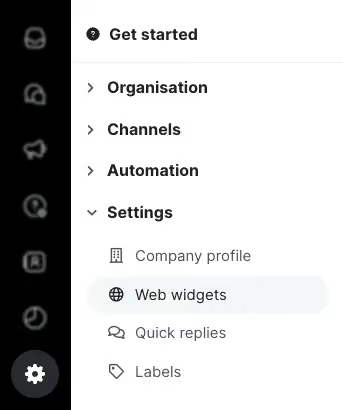
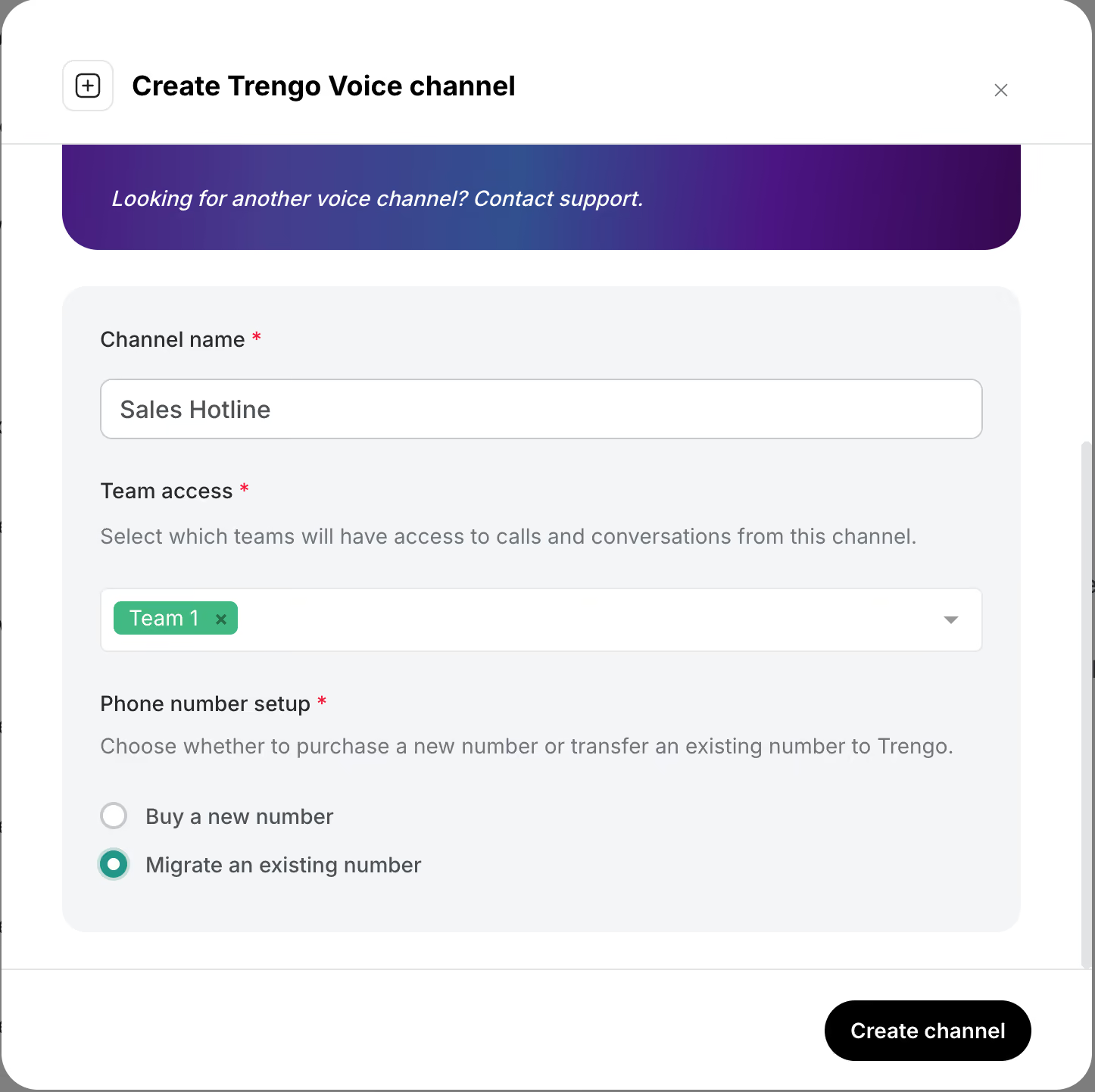
1. Go to Settings > Channels > Voice and click the "plus" icon or "Connect Voice".
2. In the "Create Trengo Voice channel" window, fill in a channel name and select which team(s) should have access to calls and conversations from this channel.
3. Under "Phone number setup", select "Migrate an existing number".
4. Choose the country code for your number, enter the number, and click "Check number".
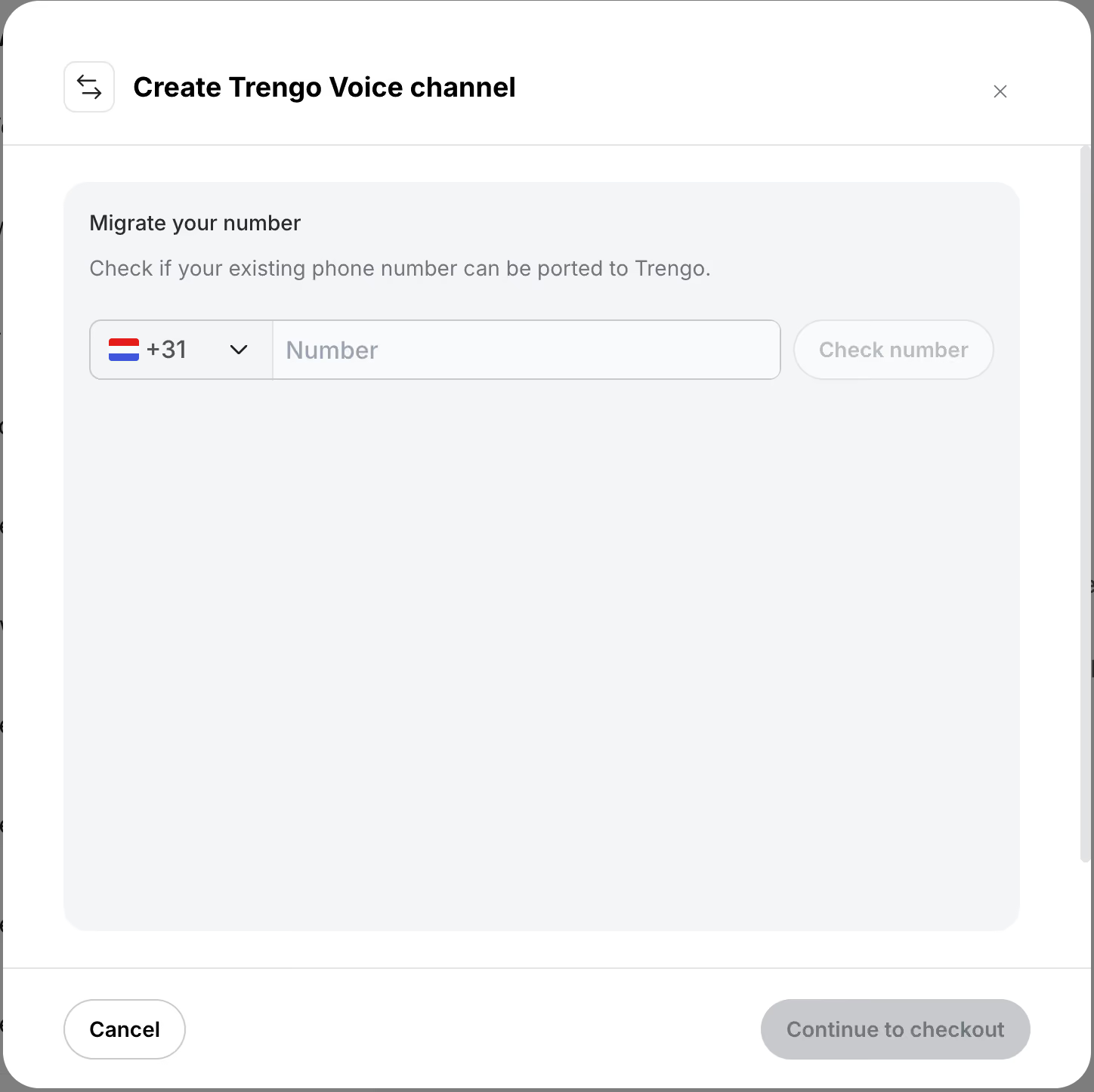
Trengo will check whether the number is eligible for porting, and one of two things will happen:
- This number cannot be ported — the number isn't eligible for migration to Trengo Voice. This is often the case for mobile numbers or numbers with providers we don't yet have coverage for.

- This number can be ported — the number is eligible, and you can continue with the migration.

Submit the required information
If your number can be ported, you'll be asked to provide the following before the migration can proceed:
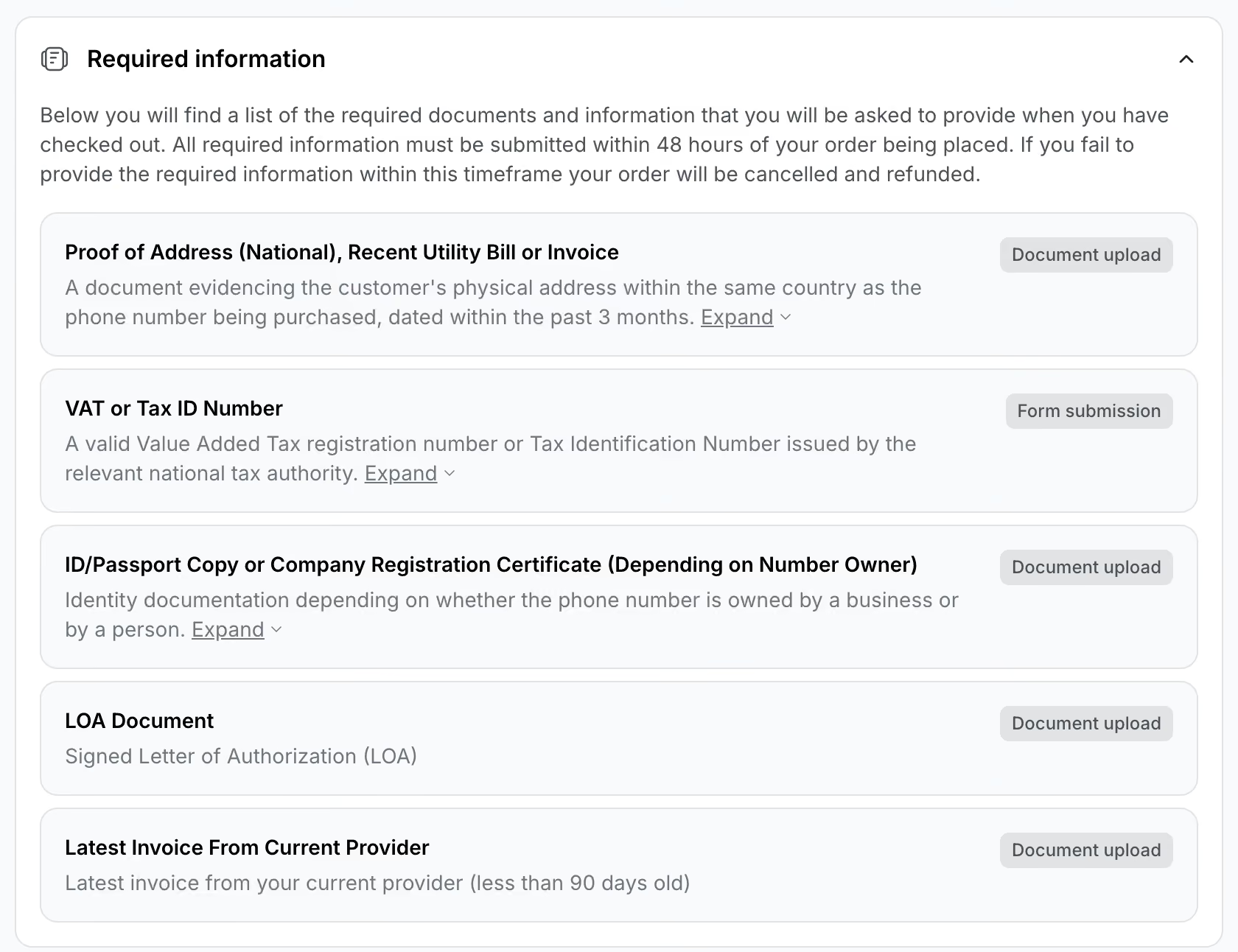
- Proof of address (national) — a recent utility bill or invoice showing the customer's physical address in the same country as the phone number, dated within the last 3 months.
- VAT or Tax ID number — a valid VAT registration number or Tax Identification Number issued by the relevant national tax authority.
- ID/passport copy or company registration certificate — identity documentation, depending on whether the number is owned by a person or a business.
- LOA document — a signed Letter of Authorization.
- Latest invoice from your current provider — dated within the last 90 days.
You'll be able to upload these documents directly in the app after checkout.
Important: all required information must be submitted within 48 hours of placing your order. If it isn't submitted in time, the order will be cancelled and refunded.
Once you've submitted everything, click "Continue to checkout" to complete your migration request.
Related articles
- Trengo Voice
- How to purchase a phone number through Trengo Voice
- How to configure and set up an AI Agent for Voice

