






Want to let your AI Agent handle phone calls? Follow the steps below to configure your AI Agent for Voice and test it before going live.
Before you start
Make sure you already created an AI Agent in Trengo. You can create or manage your AI Agents here.
Step 1: Open the AI Agent settings
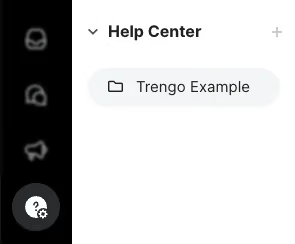
Go to your AI Agents overview and open the AI Agent you want to use for Voice.
Step 2: Set the spoken language
Inside the AI Agent settings, find the Default language field.
Select the language you want the AI Agent to speak during calls. This determines the spoken voice language used for Voice conversations.
Step 3: Test the AI Agent in Voice Preview
In the top-right corner of the page, click Preview. This opens the AI Agent preview mode.
Step 4: Switch from Chat to Voice
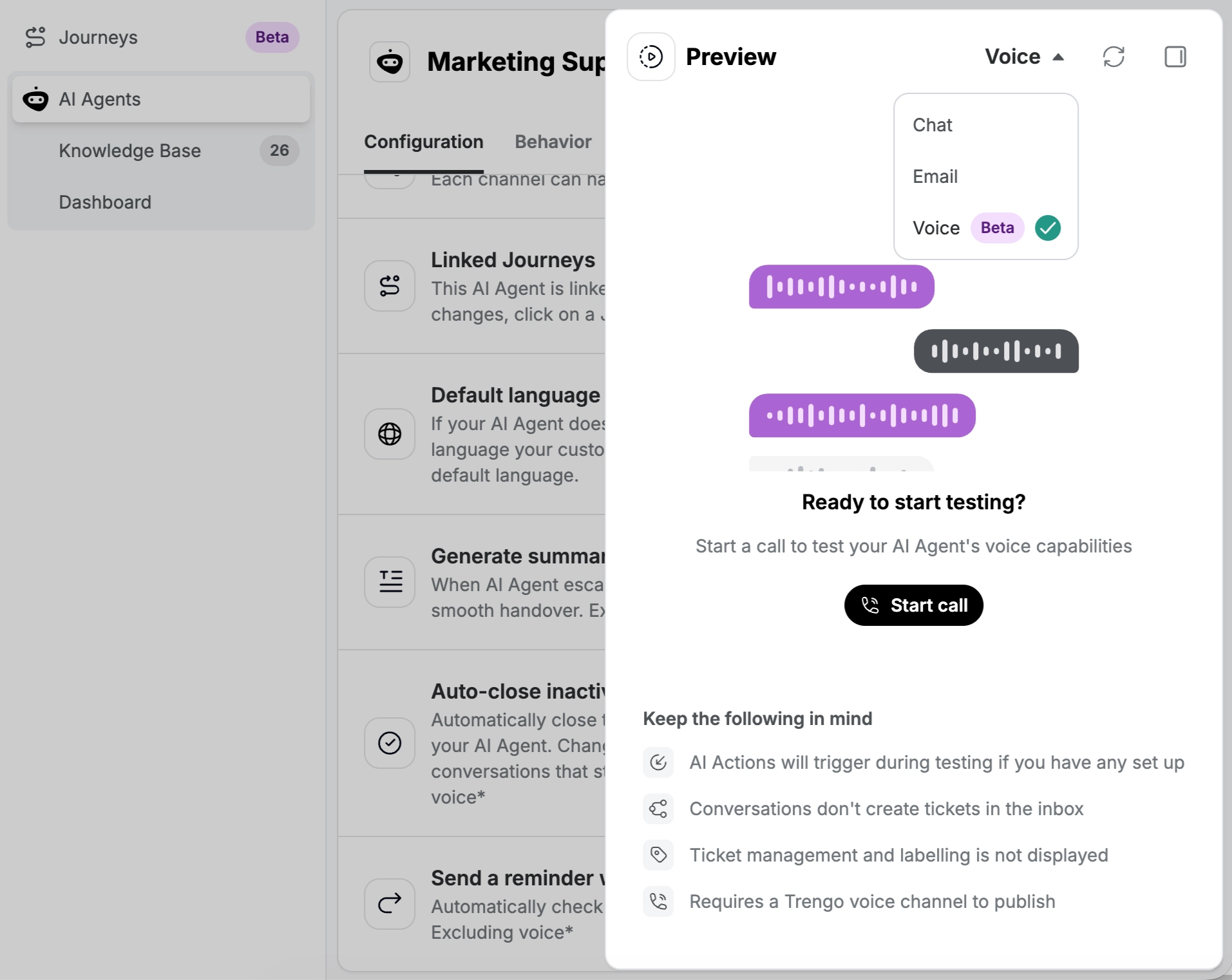
Inside Preview mode:
- Change the mode from Chat to Voice
- Click the call button to start a test call
You can now hear how the AI Agent speaks and test the full voice experience before enabling it for customers.
Step 5: Activate the AI Agent on a Voice channel
To use AI Agents on live calls, you need a Trengo Voice channel.
Trengo Voice is our latest Voice solution and will be the only Voice solution that supports AI Agents. Twilio or any other Voice solutions won’t be supported.
If you do not have a Trengo Voice channel yet, you first need to purchase a new number or migrate your existing number.
How your AI Agent handles interruptions
Your AI Agent keeps listening while it speaks. If the caller starts talking, the AI Agent stops and listens, just like a person would. Callers don't have to wait for the AI Agent to finish before they answer, so conversations feel more natural.
Pricing for AI Agents on Voice
When you publish an AI Agent on a Trengo Voice channel, the regular AI Agent surcharge on conversations does not apply.
Instead, we charge per minute for AI Agent usage on Voice. The current rate is €0.40 per minute, and these costs are charged through your balance. For more information check out our rates page here for a full overview.
Voice, tone of voice and accents
You can choose a different voice for your AI Agent and describe how it should sound, including its accent, in the Tone of Voice field. Read Explore different Voices and personalities for the AI Agent for the available voices and examples you can copy.

