


What's changing
From 1 October 2026, Meta is changing how it charges for WhatsApp messages. This pricing change is determined by Meta and applies uniformly across all WhatsApp providers, not only Trengo. Two things that used to be free are now billable:
- Service messages the replies you send to customers inside the open 24-hour service window. Every phone number gets 1,000 free service messages each month, so you'll only start paying from the 1,001st message.
- Utility templates sent inside the service window.
Marketing and authentication templates are already charged, and this does not change.
Why this is happening
This change comes from Meta. It applies to every business using the WhatsApp Business Platform, regardless of provider, Trengo doesn't set or control WhatsApp's messaging rates. Meta charges only for messages delivered from businesses to WhatsApp users, and only on delivery (not on send).
How Meta charges from 1 October 2026
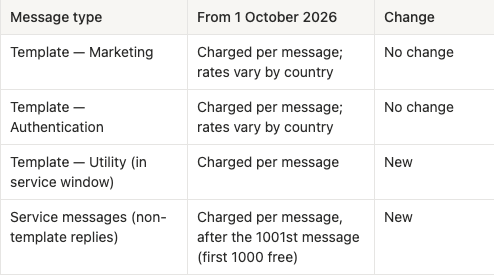
Rates vary by message category and by the recipient's country. Meta's official rate cards are on the Meta for Developers pricing page.
Check your WhatsApp costs in Trengo
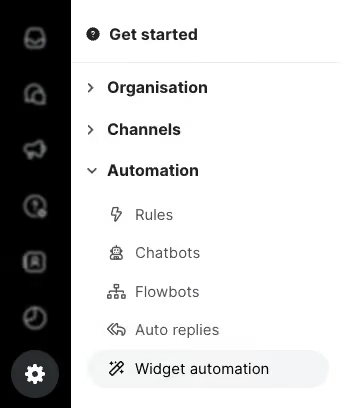
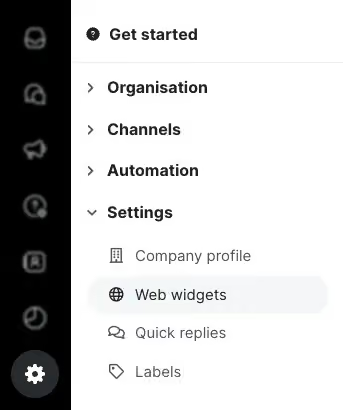
You can see what you spend on WhatsApp in Settings → Transactions. The monthly breakdown shows your usage per service, so you can see how your WhatsApp costs change from October.
If you top up your carrier credits automatically, you may see more top-ups than before. Each top-up invoice points you to Settings → Transactions, where you can check what the credits were used for.
What this means for you
Since 1 October, service messages and in-window utility templates are a per-message cost. Your first step is to understand your current volume, then estimate the impact:
- How to find your WhatsApp service message volume in Meta Business Suite
- Check the cost per message for your countries in Meta's rate card
- Or take a look at our own calculator for an estimation of your costs
As this pricing change is introduced and controlled by Meta, we're unable to change the rates or offer discounts on these charges. You can't change Meta's rates, but you can lower how much you spend against them. We recommend:
- Combine messages where possible. Consolidate multiple replies into one clear message when it doesn't hurt the customer experience — for both automated messages and agent replies.
- Weigh it against return: WhatsApp builds a closer relationship than any other channel: best open rates (98%), a phone number the moment someone reaches out, and service that turns into retention, repeat purchases and bookings.
- Use alternative channels where appropriate. Instagram and Facebook Messenger can be more cost-effective for certain conversations.
- Tighten your automations. Review your AI Agent and AI Journeys flows for places that send more service messages than needed.
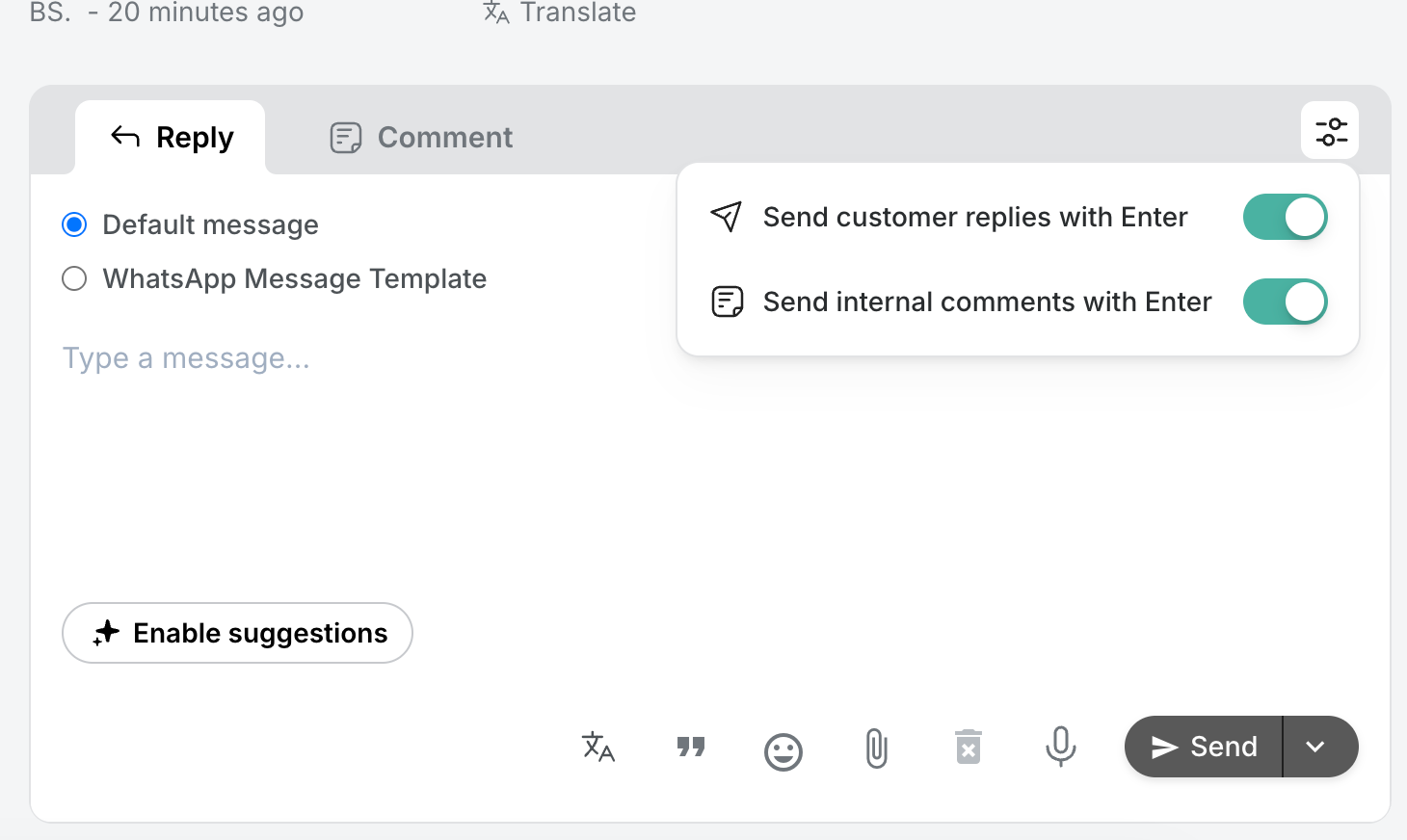
- Turn off "Send customer replies on Enter". Pressing Enter then starts a new line instead of sending, so a reply goes out as one message rather than several.