



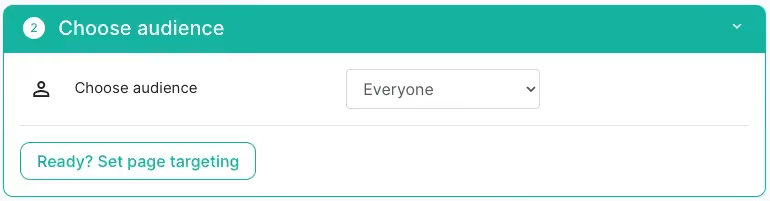
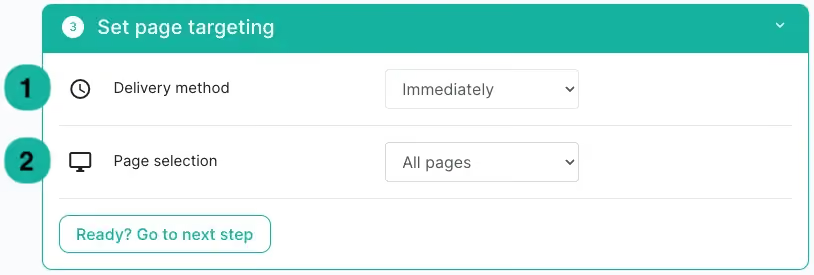
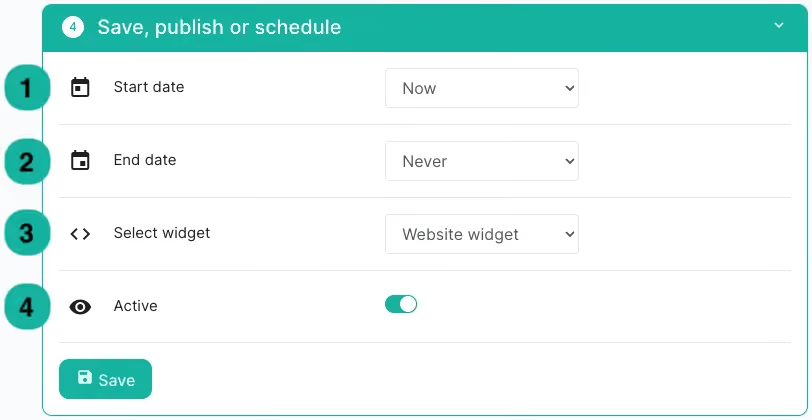



With On-demand Journeys, agents can trigger a workflow directly from the inbox, whenever they need it, either right away or schedule it at a later time. This allows teams to act faster, reduce repetitive work, and improve overall productivity.
Unlike automated workflows that run in the background, On-demand Journeys give agents control: they choose when and on which ticket the workflow should be executed.

Who can set it up?
At this moment, only admins can create On-demand Journeys. Once an On-demand Journey is created, any agent with access to the related channel(s) can use it in the inbox.

How to set it up
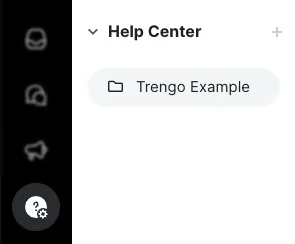
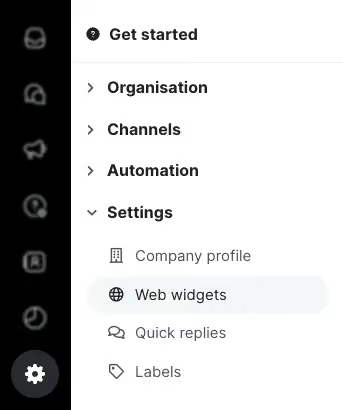
- Go to Journeys in Trengo.
- Select On-demand trigger as the trigger.
- Build the automation you want agents to trigger manually.
- Save the Journey.
- Refresh the inbox, the new On-demand Journeys to trigger will now appear above the ticket, ready to be selected by agents.
Important to know
- Agents only see the On-demand Journeys connected to channels that their team has access to.
- Journeys are always triggered manually by the agent; they will not run automatically.
- AI Agent, AI routing and AI Input collection are currently not possible to use in the automation.
Example use-cases
With a single click, agents can trigger an automation that will start. Handful to use like:
- Generate an AI-powered summary on demand and forward a new ticket to a team or agent.
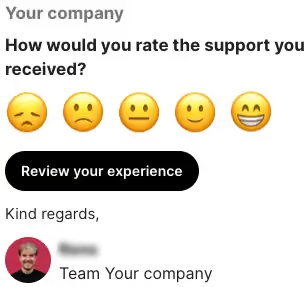
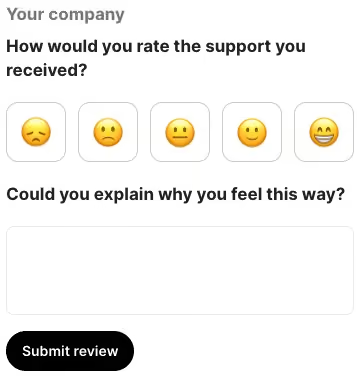
- Trigger an (AI) CSAT on demand and closing the ticket automatically afterwards.
- Analyse the ticket with AI labelling, generate an AI summary and automatically close the conversation.
- Forward certain emails (tickets) to a wished email address that should be informed.
These are just a few examples which can be created and helps agents save time on repetitive actions and focus on customer conversations that matter most.
Why On-demand Journeys?
In many traditional systems, such workflows are often called macros. The difference is that On-demand Journeys in Trengo come with powerful AI building blocks like AI summary, Intelligence CSAT, AI labelling, enabling smarter, more flexible automations than even before.

