




Starting or adjusting your balance commitment is easy in Trengo.
Start a balance commitment
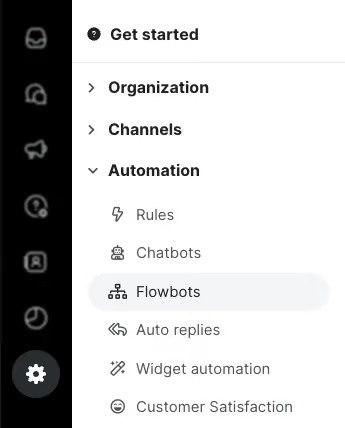
- Navigate to Settings > Account > Subscription settings > Edit subscription.
- Click Edit under Balance Commitment. Here you can enter the amount you’d like to commit to, up to a maximum of €1000. If you need a higher amount, please contact Support.
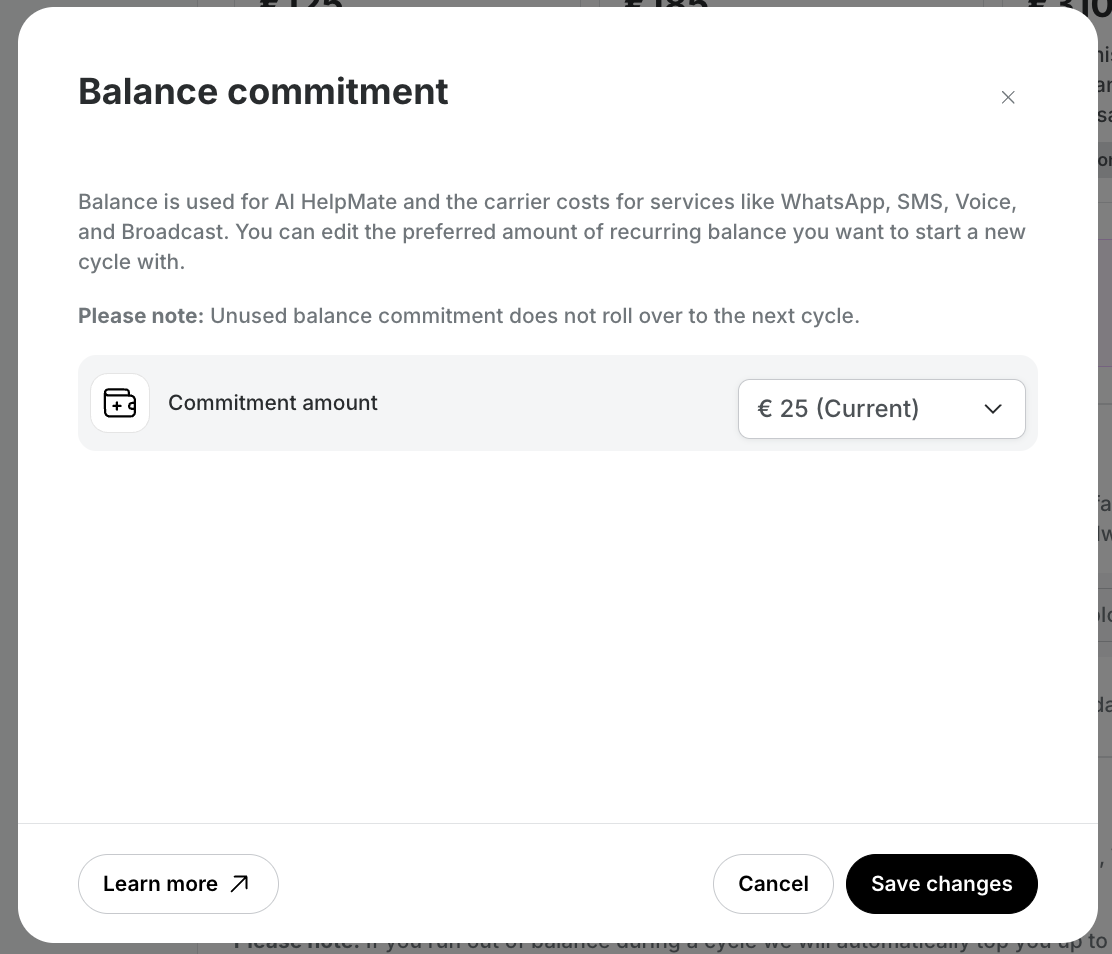
- Click Save changes. You’ll immediately be able to start using this balance and receive an invoice for the purchase.
Change your balance commitment
- Navigate to Settings > Account > Subscription settings > Edit subscription.
- Click Edit under Balance Commitment. You can update your current commitment to any amount between €25 and €1000. For higher limits, please reach out to Support.
- Click Save changes. The new commitment amount will take effect after renewal, which you’ll see reflected in the blue Scheduled date text.
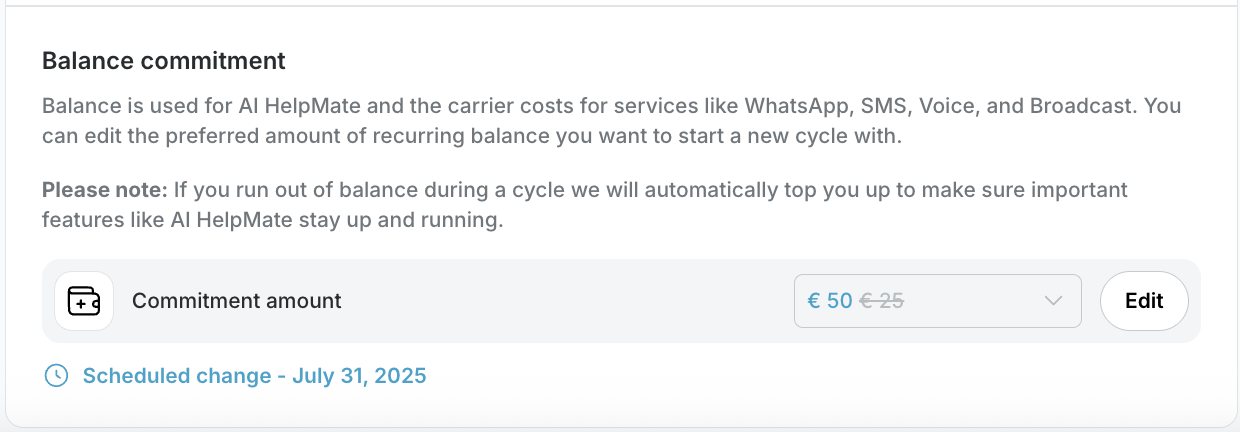
- If you want to change your commitment amount again later, just repeat these steps. To cancel a scheduled change, simply re-enter your original amount.
Top up your balance
- Go to your Usage page and click the Add Balance button.
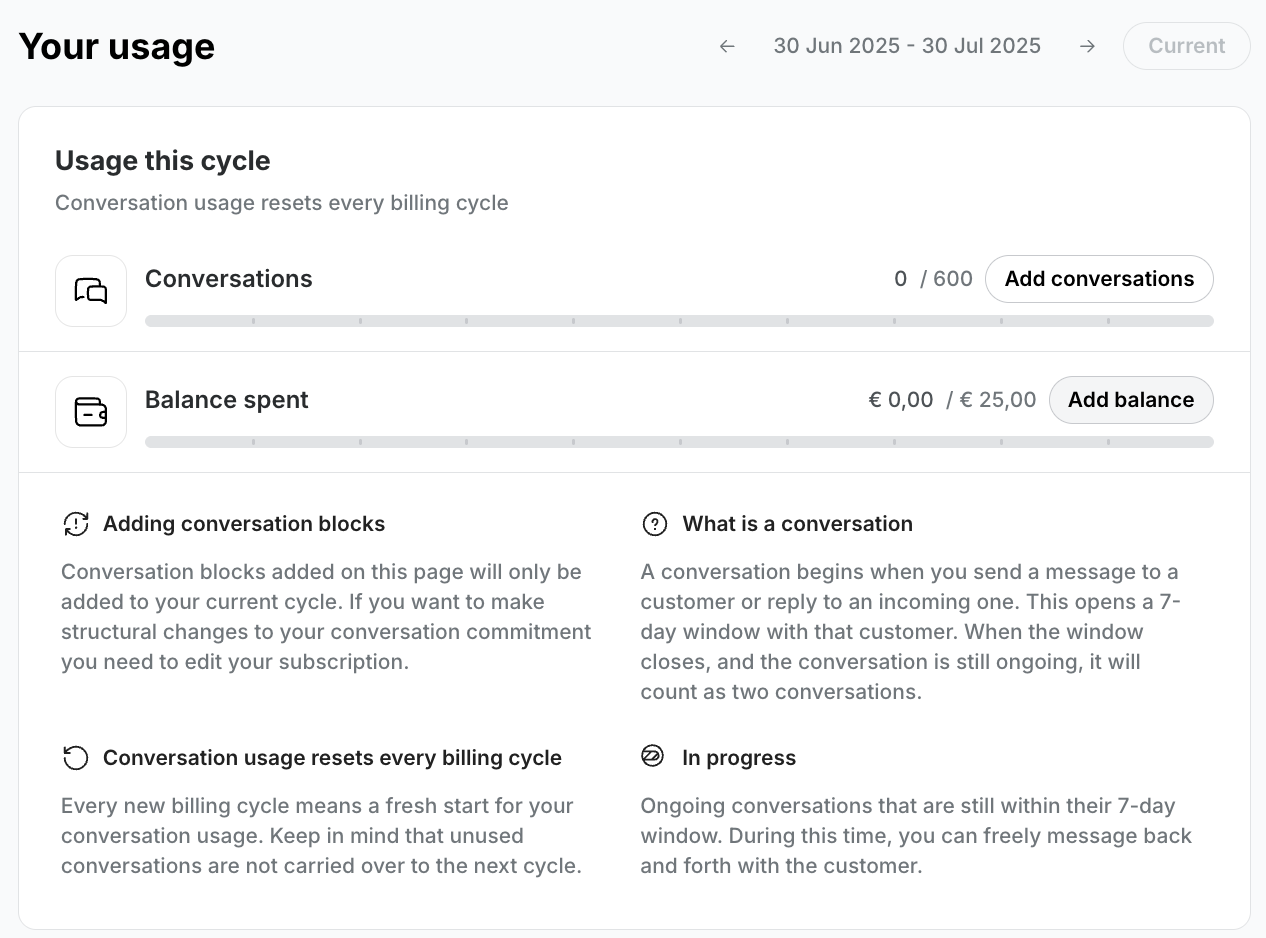
- In the modal, choose the amount you’d like to add to your account. This is a one-time purchase.
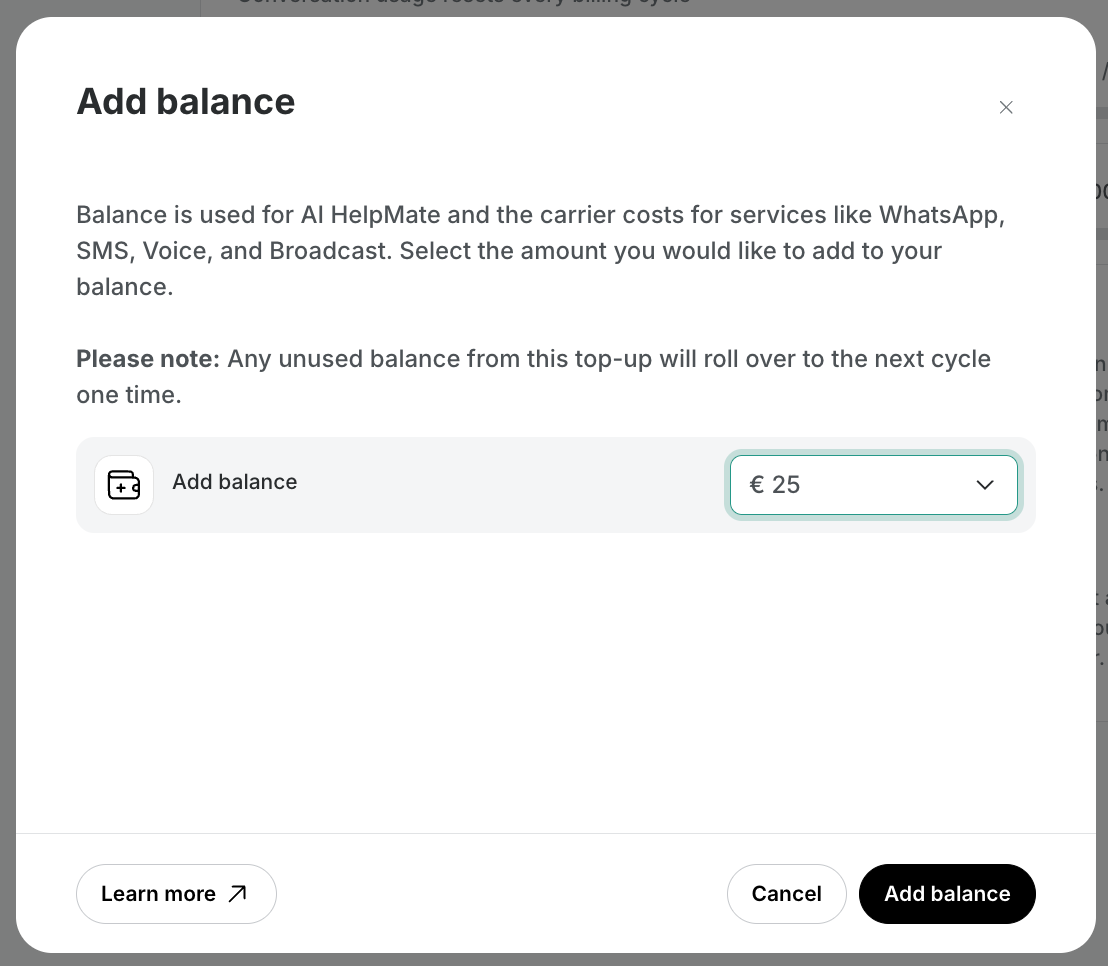
- Save your changes to update your available balance.
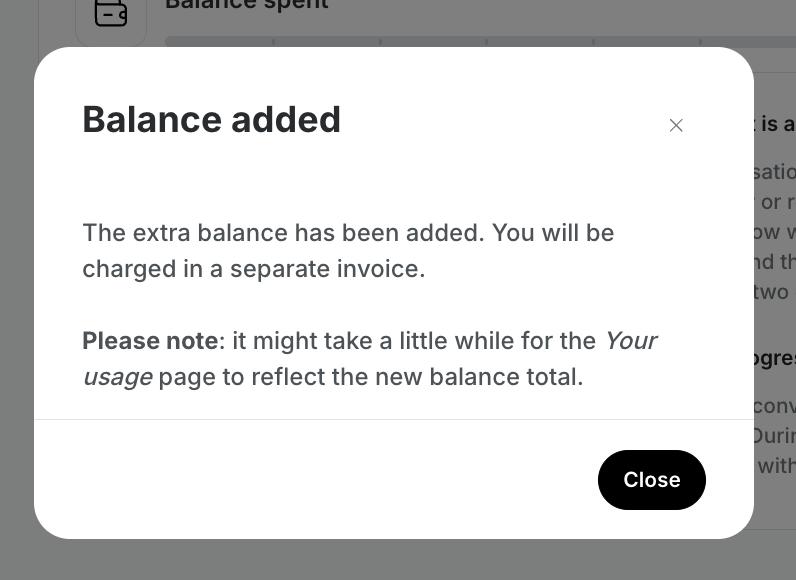
- You’ll find the invoice for this purchase in your Billing History.
Note: To top up your balance as a one-time purchase, you must have an active balance commitment of at least €25.

