




Wichtig
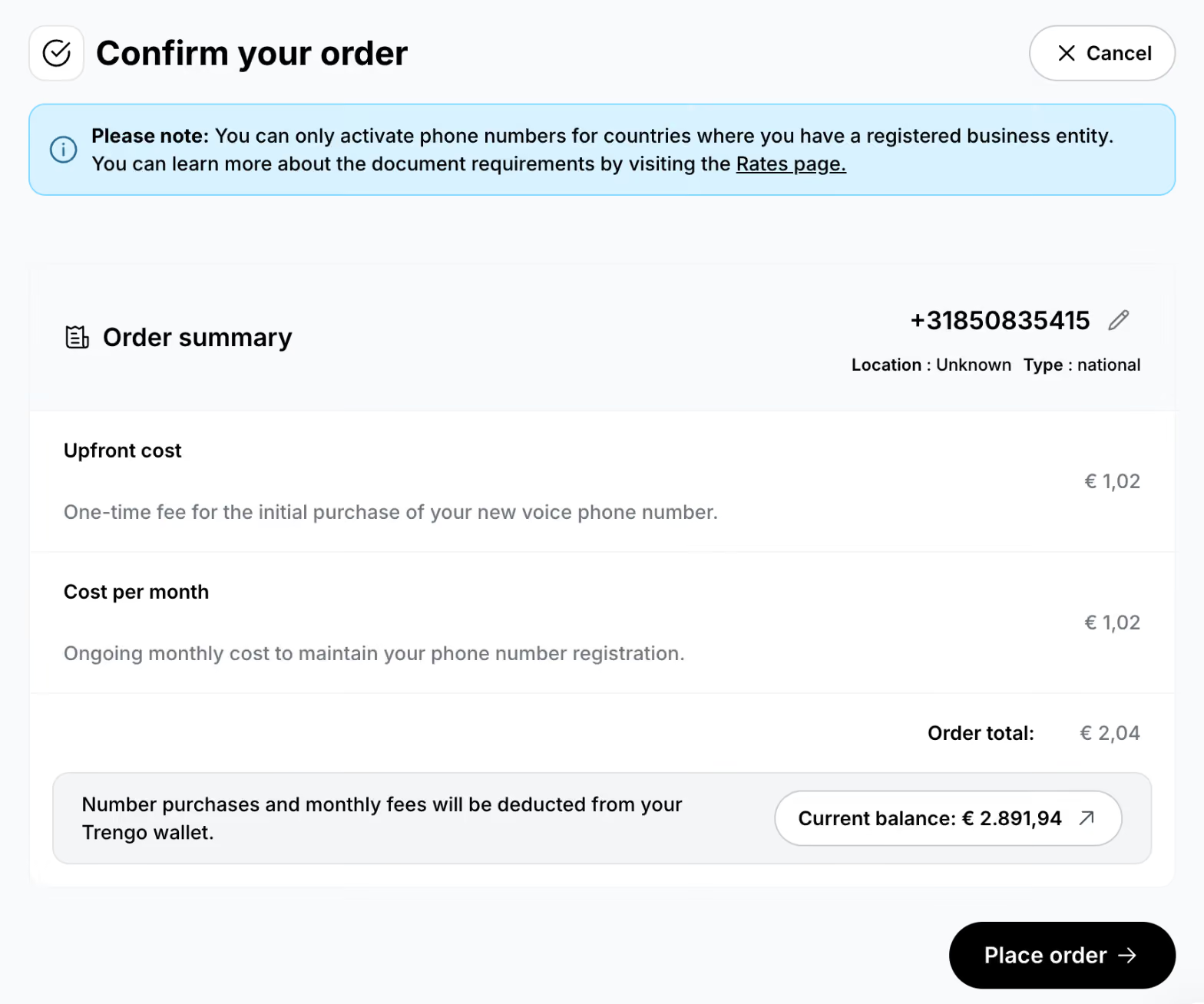
- Sie können Telefonnummern nur für Länder erwerben, in denen Sie ein eingetragenes Unternehmen haben
- Die Anforderungen an die Unterlagen variieren je nach Land und Art der Nummer
- Weitere Informationen zu den Voraussetzungen finden Sie unter: rates.trengo.com (im Abschnitt „Telefonnummern“)
Schritt 1: Öffne die Spracheinstellungen
Weiter zu: https://app.trengo.com/admin/channels2/voip
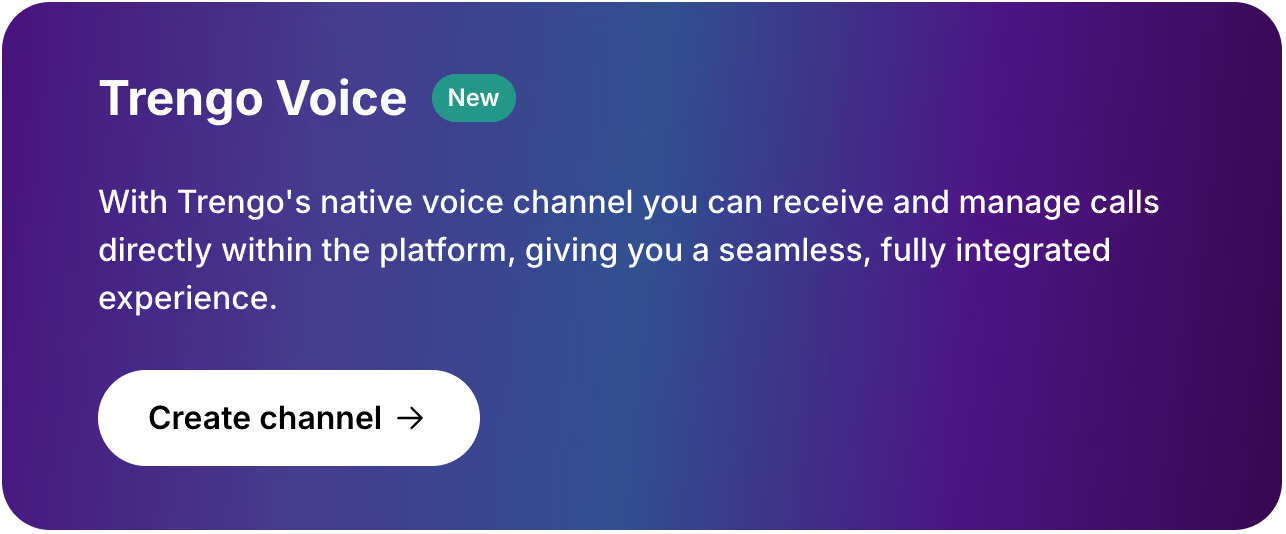
Klicken Sie auf „Connect Voice“ und anschließend unter „Trengo Voice“ auf „Kanal erstellen “.
Schritt 2: Richte deinen neuen Sprachkanal ein
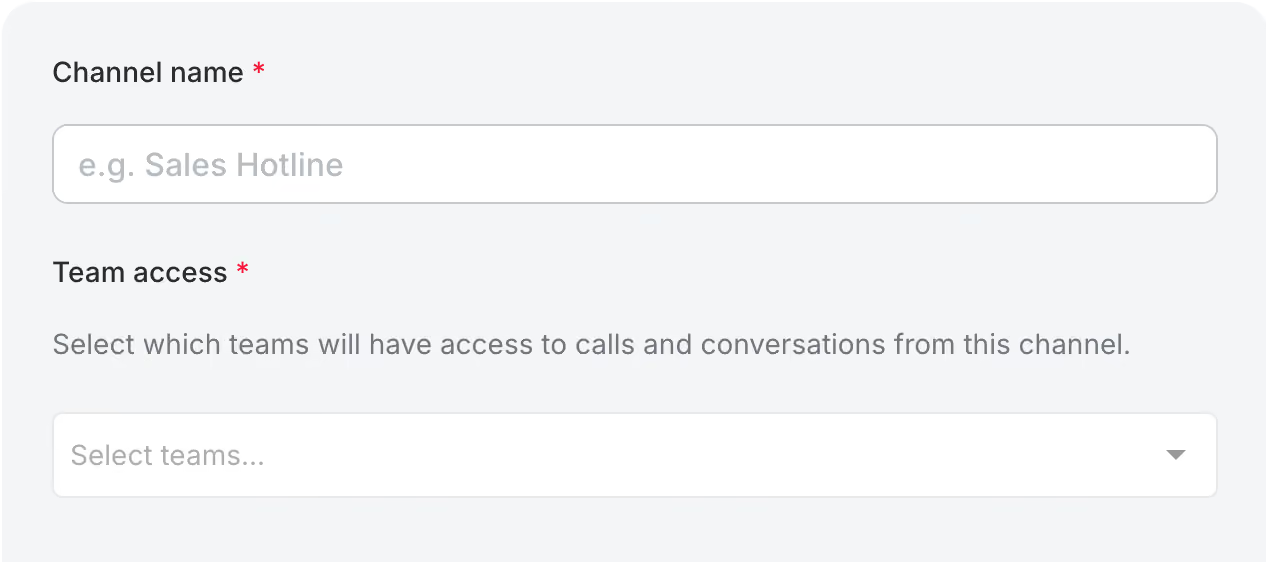
Geben Sie Ihrem neuen Voice-Kanal einen Namen und wählen Sie die Teams aus, die Zugriff darauf haben sollen.
Schritt 3: Wählen Sie Ihr Land und die Art der Nummer
Wählen Sie Ihr Land aus und wählen Sie die verfügbare Nummerntyp: lokal oder national.
Eine Ortsnummer ist an ein bestimmtes Gebiet im Land gebunden. Bitte beachten Sie, dass die Verfügbarkeit vom jeweiligen Land abhängt und Mobilfunknummern nicht über Trengo erworben werden können.
Schritt 4: Wählen Sie eine Telefonnummer aus
Wählen Sie die gewünschte Telefonnummer aus und geben Sie Ihre Bestellung auf.
Schritt 5: Geben Sie die erforderlichen Informationen ein
Sobald Sie Ihre Bestellung aufgegeben haben, wird der neue Kanal erstellt.
Auf der Kanalseite müssen Sie je nach ausgewähltem Land und Nummerntyp möglicherweise zusätzliche Informationen oder Dokumente einreichen. Bitte stellen Sie sicher, dass Sie alle erforderlichen Angaben innerhalb von 48 Stunden nach dem Kauf einreichen.
Um zu erfahren, welche Unterlagen erforderlich sind, klicken Sie auf der Kanalseite auf den Banner „Erforderliche Unterlagen “. Daraufhin öffnet sich das Einreichungsformular.

Schritt 6: Überprüfen Sie Ihre E-Mails auf Neuigkeiten
Nach der Bestellung erhalten Sie Benachrichtigungen per E-Mail an die E-Mail-Adresse, die mit Ihrem Trengo-Konto verknüpft ist.

