




Belangrijk
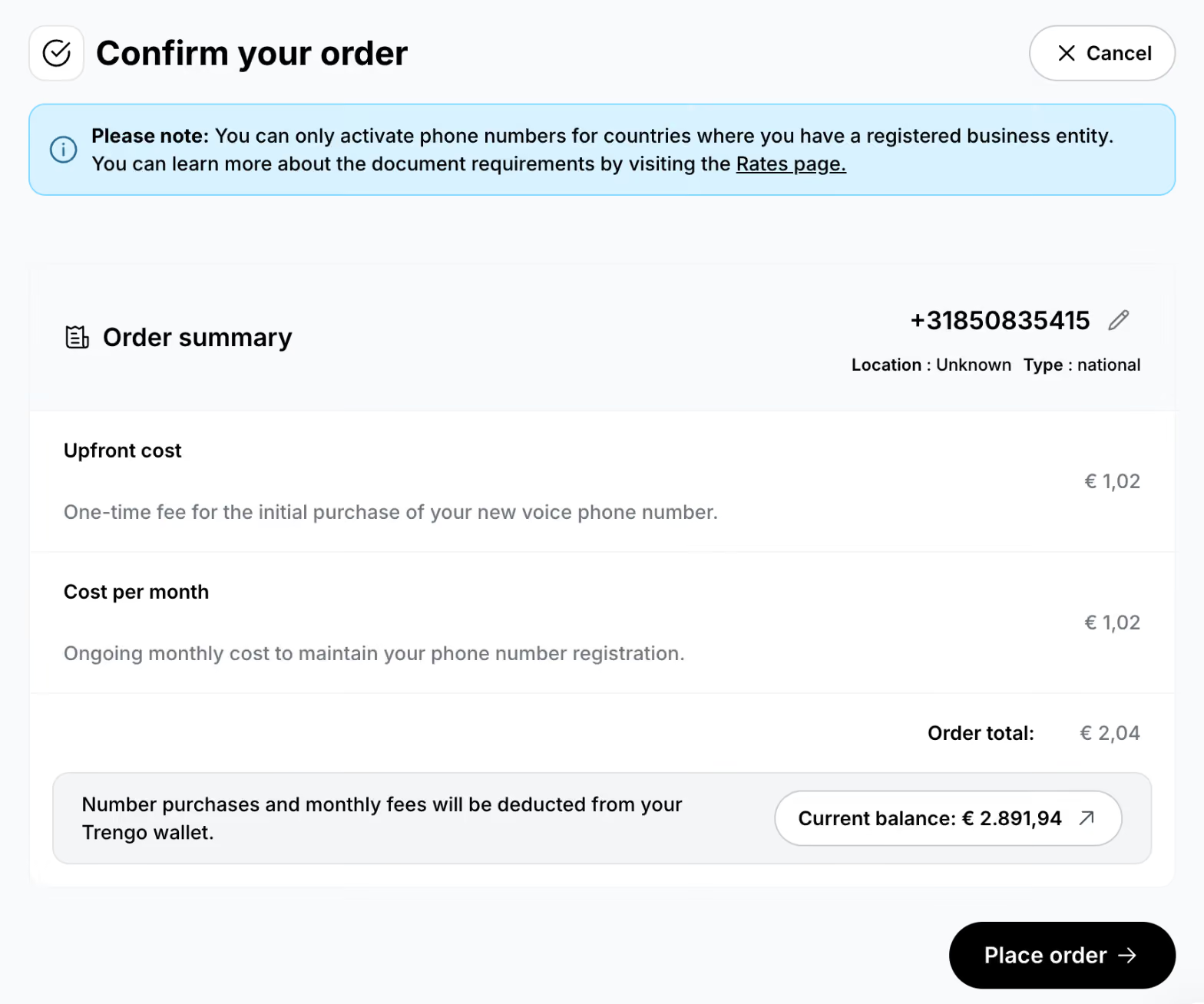
- U kunt alleen telefoonnummers kopen voor landen waar u een geregistreerde onderneming heeft
- De vereisten voor documenten verschillen per land en per type nummer
- Meer informatie over de voorwaarden vindt u op: rates.trengo.com (te vinden onder het kopje ‘Telefoonnummers’)
Stap 1: Open de instellingen voor spraak
Ga naar: https://app.trengo.com/admin/channels2/voip
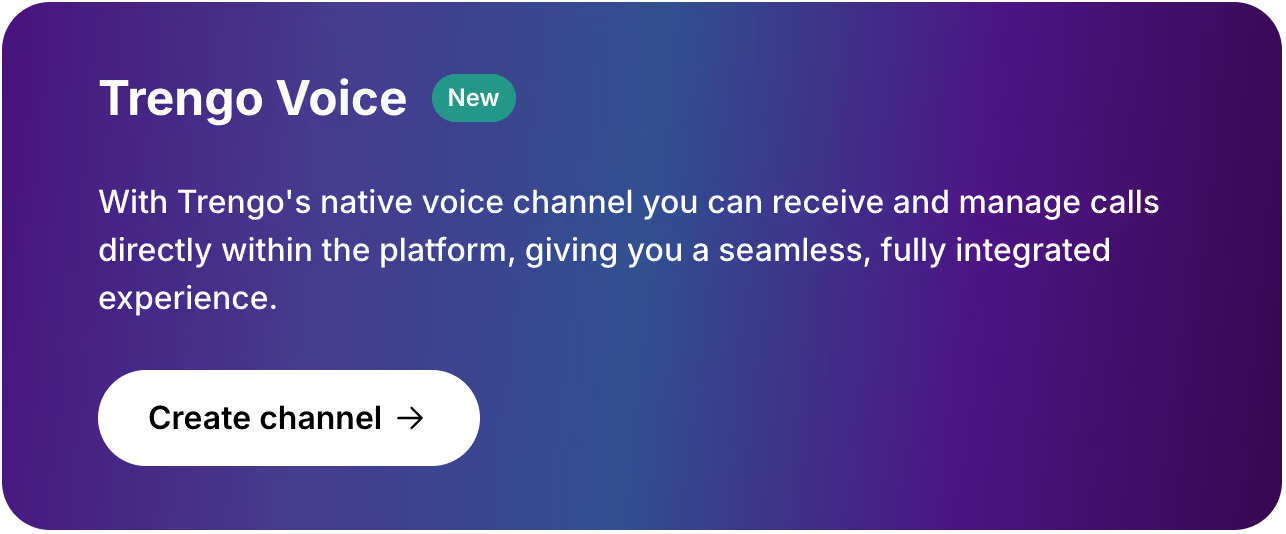
Klik op 'Connect Voice' en klik vervolgens op 'Kanaal aanmaken ' onder 'Trengo Voice'.
Stap 2: Stel je nieuwe Voice-kanaal in
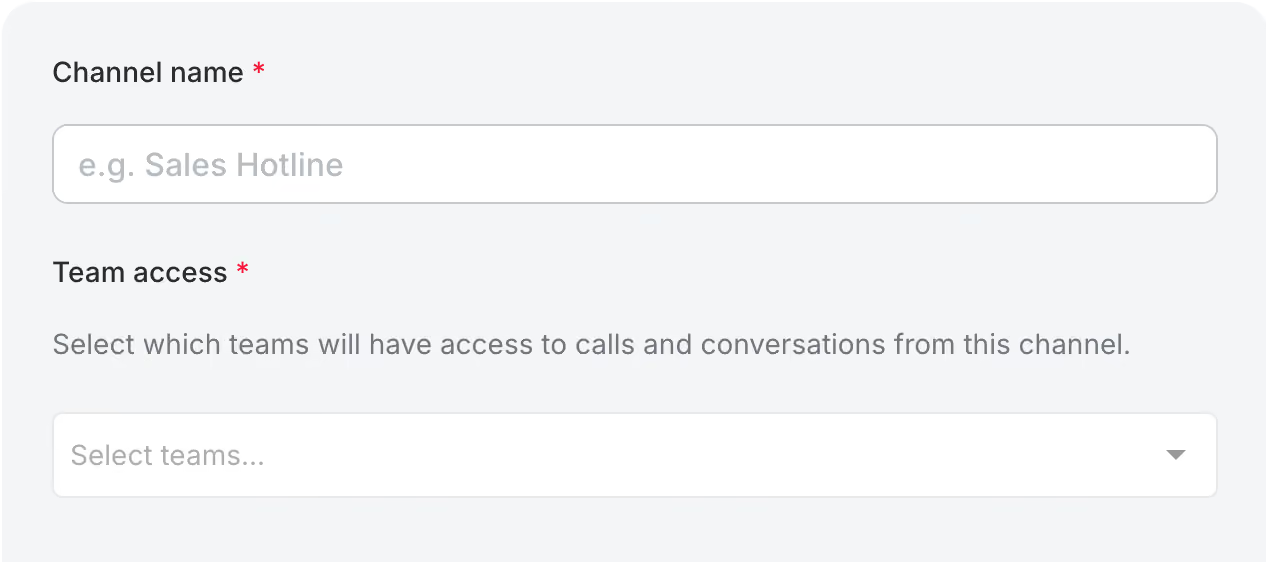
Geef je nieuwe Voice-kanaal een naam en selecteer de teams die er toegang toe moeten hebben.
Stap 3: Kies je land en het type nummer
Selecteer uw land en kies het beschikbare nummertype: lokaal of nationaal.
Een lokaal nummer is gekoppeld aan een specifiek gebied in het land. Houd er rekening mee dat de beschikbaarheid afhankelijk is van het land en dat mobiele nummers niet via Trengo kunnen worden aangeschaft.
Stap 4: Kies een telefoonnummer
Kies het gewenste telefoonnummer en plaats uw bestelling.
Stap 5: Voer de vereiste gegevens in
Nadat u uw bestelling heeft geplaatst, wordt het nieuwe kanaal aangemaakt.
Op de kanaalpagina moet u mogelijk aanvullende informatie of documenten indienen, afhankelijk van het geselecteerde land en het type nummer. Zorg ervoor dat u alle vereiste gegevens binnen 48 uur na aankoop indient.
Klik op de banner ‘Vereiste documenten’ op de kanaalpagina om te zien wat er nodig is. Het aanmeldingsformulier wordt dan geopend.

Stap 6: Kijk in je e-mail voor updates
Nadat u uw bestelling heeft geplaatst, ontvangt u updates via e-mail op het e-mailadres dat aan uw Trengo-account is gekoppeld.

